

Install
1
Get beta access
Syndicate is in closed beta. Sign in works only with an approved email address. Request access at usesyndicate.org if you do not have it yet.
2
Download and run the installer
Download from usesyndicate.org.
- Windows: run
Syndicate-Setup-<version>.exe. You can change the install directory; desktop and Start Menu shortcuts are created. - macOS: open the DMG and drag Syndicate to Applications. Builds are signed and notarized, so it opens like any other app.
Create your account
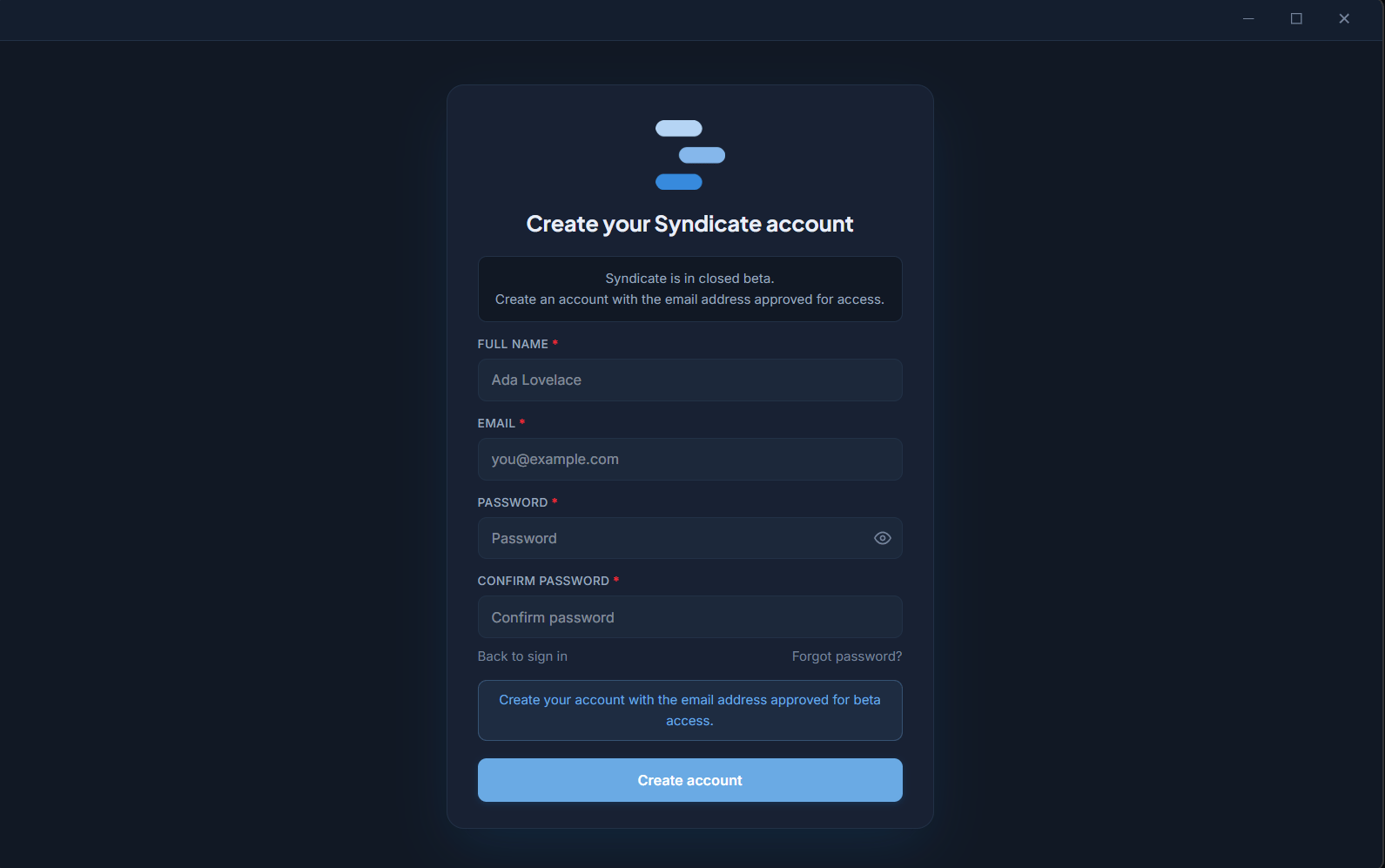
Account creation on first launch
- Fill in Full name, Email, Password, and Confirm password, then click Create account.
- Check your email: “Check your email to confirm your account before signing in.” The confirmation link opens Syndicate and completes sign-in automatically.
- If the email does not arrive within a minute, check spam, then use Resend confirmation email.
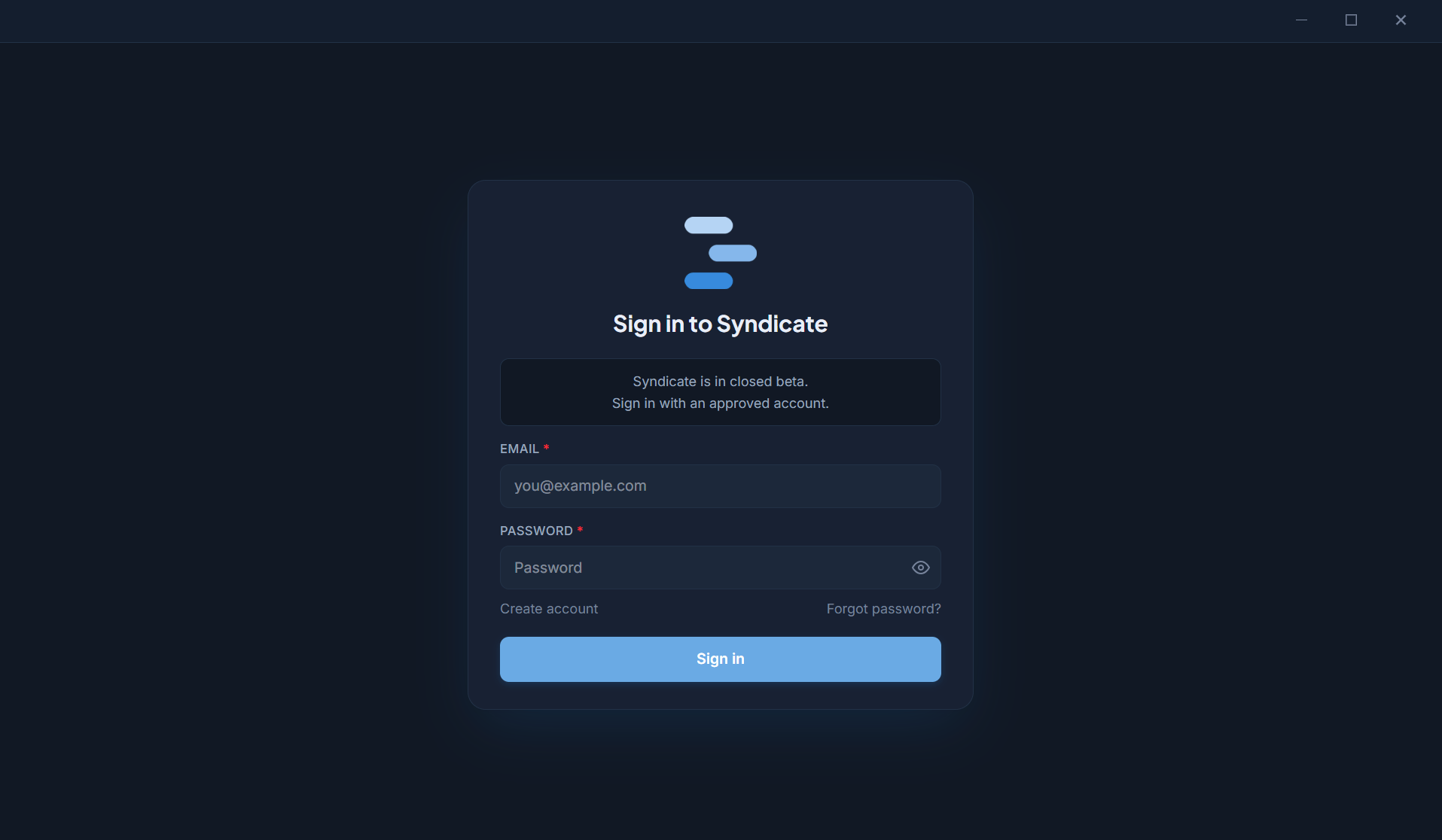
Sign in for existing accounts
Sessions and devices
- Your session is stored encrypted on this machine and persists across restarts; you will not sign in every launch.
- You can sign in on more than one machine. Workspaces and chats are local to each machine; your account, tier, and limits follow you.
- Sign out any time from Settings, Account, Sign out.
Common sign-in issues
Next step
Connect providers
Hook up Claude, OpenAI (Codex), Google Gemini, or GitHub Copilot so agents have a model to run on.